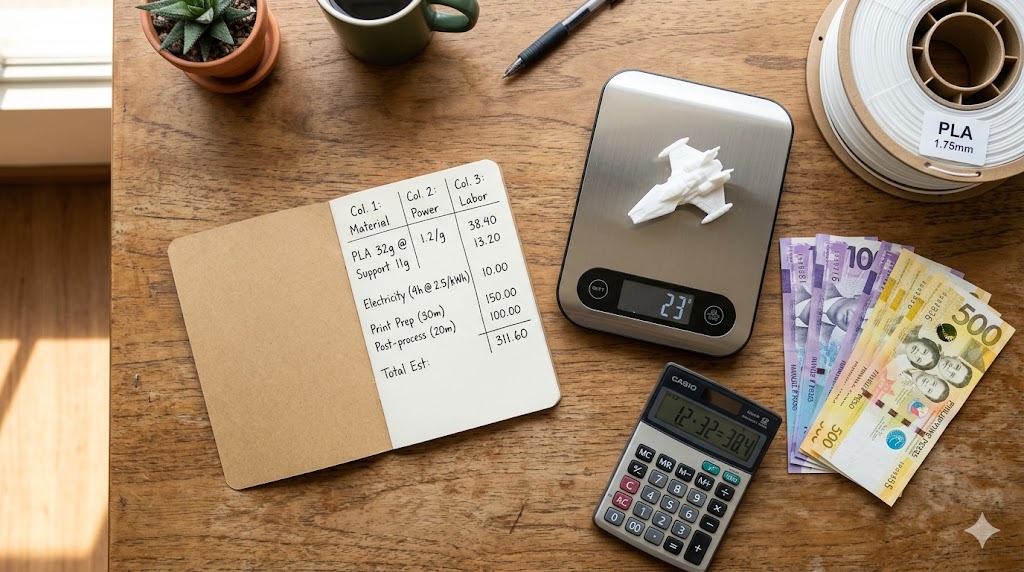
One of the most common mistakes Filipino 3D printing sellers make is underpricing their work. They calculate the filament cost, double it, and call it a price. This leaves out electricity, printer depreciation, labor, and the cost of failed prints.
Here is how to price your prints properly.
Step 1: Calculate Your True Cost
Your true cost has four components:
Material cost Weigh your print or estimate from your slicer. Divide your filament cost per kilogram by 1,000 to get cost per gram, then multiply by your print weight. Example: PHP 800/kg filament, 80g print = PHP 64 in material
Electricity cost Multiply your printer's wattage by print time in hours to get kilowatt-hours, then multiply by your electricity rate. Meralco residential is around PHP 14/kWh in 2026; provincial cooperatives range PHP 10 to PHP 13. Example: 200W printer, 5-hour print = 1 kWh at PHP 14/kWh = PHP 14
Printer depreciation Divide your printer's purchase price by its estimated lifespan in hours. Example: PHP 30,000 printer, 3,000-hour lifespan = PHP 10 per hour. For a 5-hour print: PHP 50
Labor Set a fair hourly rate for your time. In the Philippines, PHP 100 to PHP 250 per hour is reasonable depending on skill level and complexity. Example: 1 hour at PHP 150/hour = PHP 150
Total base cost for this example: PHP 64 + PHP 14 + PHP 50 + PHP 150 = PHP 278
Step 2: Add a Failure Buffer
Not every print succeeds. Add a buffer to cover the cost of failed prints. For a 10% failure rate: PHP 278 x 10% = PHP 27.80 New total: PHP 305.80
Step 3: Add Your Profit Margin
A 30% to 50% markup is standard for 3D printing services in the Philippines. At 30% markup: PHP 305.80 x 1.30 = PHP 397.54 Round to PHP 400 for a clean client-facing price.
Step 4: Check Against the Market
Search for similar prints on Shopee or Facebook Marketplace to see what competitors charge. If your price is significantly higher, review your costs. If it is lower, consider whether you are undervaluing your work.
Use PesoPrint to Do This Faster
The PesoPrint calculator automates all of these steps. Enter your filament weight, printer specs, electricity rate, and labor time and it generates both your internal cost and a client-facing price instantly.